
Installing Ticaga
System Requirements
Ticaga requires the latest stable version of PHP to ensure optimal performance, modern functionality and the highest security standards.
Minimum Requirements
-
PHP: 8.4
-
Database:
-
MariaDB 10.5.27 or higher
-
MySQL 8.x or higher
-
-
IonCube Loaders: 14.0
-
Composer (latest stable version)
-
Laravel: 12.x
-
SSL: Let’s Encrypt (recommended)
Recommended Environment
For best performance and reliability, we recommend:
-
Operating System: AlmaLinux 10
-
Server Type: Virtual Private Server (VPS)
-
Memory: Minimum of 2 GB RAM
Installation
To begin the installation, run the following commands:
yum install wget nano unzip -y;wget -N https://ticaga.com/install.sh;chmod +x install.sh;sh ./install.shInstall AlmaLinux 10,10 pasteand execute the commands,commands andabove. you’reThe readyautomated toinstaller go,will let us dohandle the hardconfiguration work,process sofor you don't have to.you.
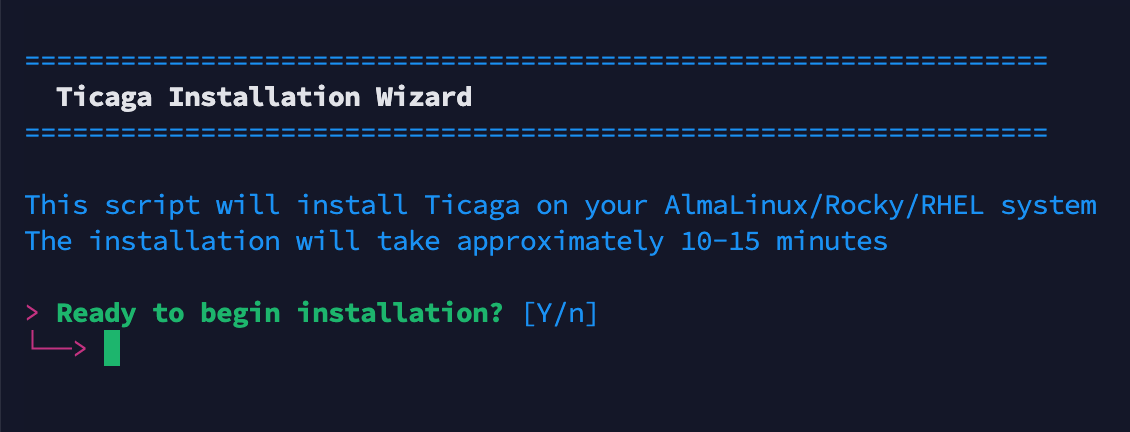
When you're ready enter "Y" to continue.
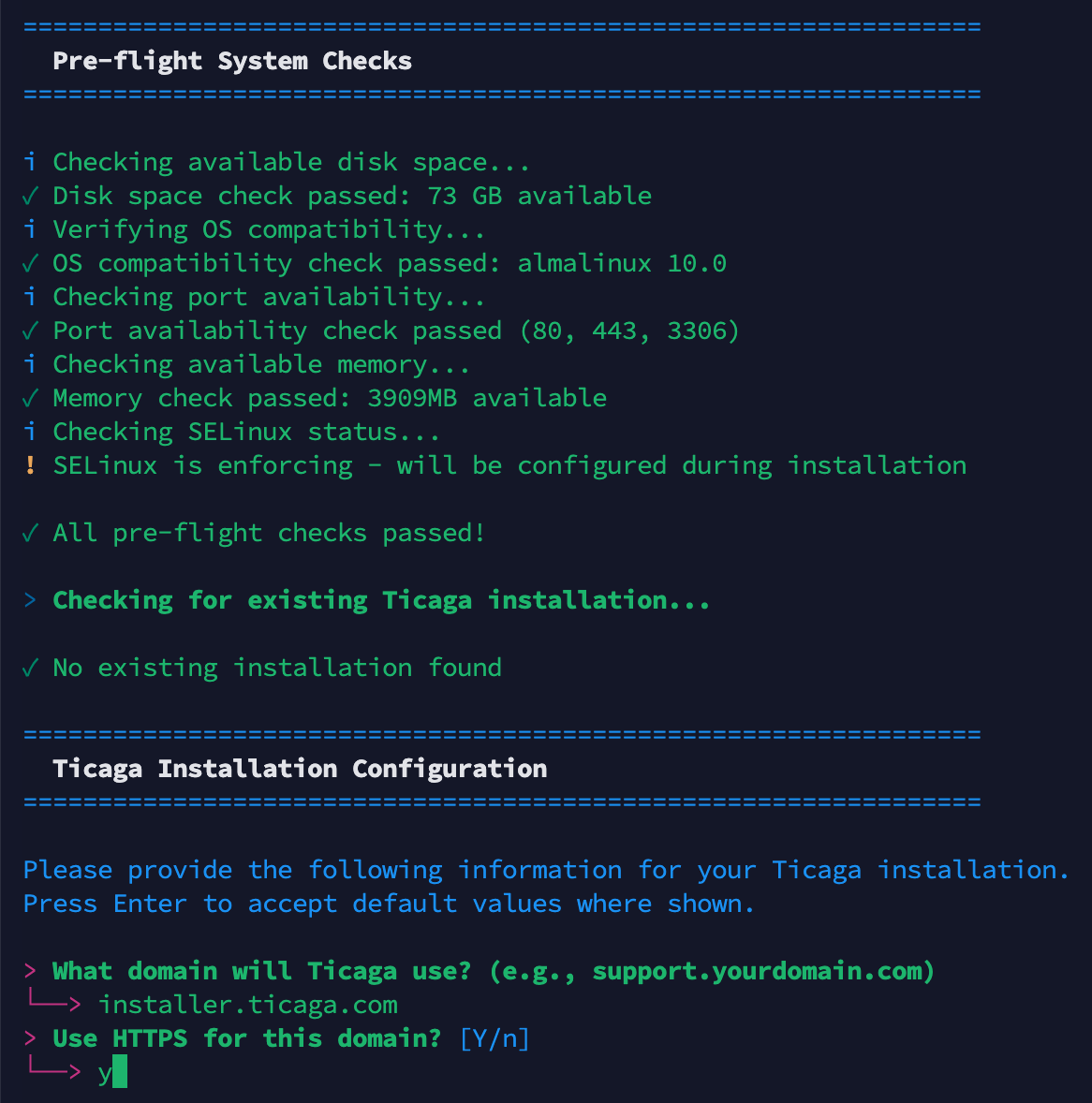
Enter the domain you're installingwhere Ticaga on?will be installed. We recommend using a subdomain such as support.yourdomain.com or helpdesk.yourdomain.com,com. then we recommendFor SSL so if you want to as-wellencryption, enter "Y" forto enable HTTPS.
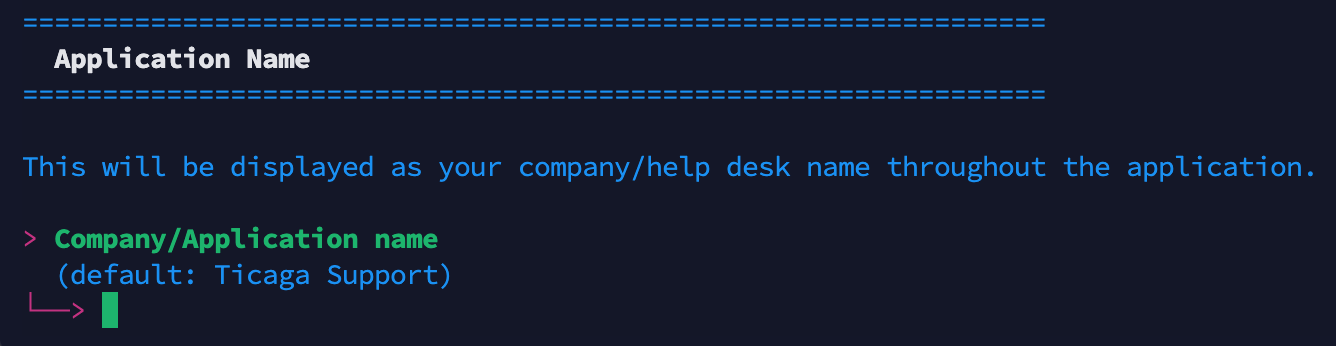
Enter your company name which will be displayed on Ticaga.
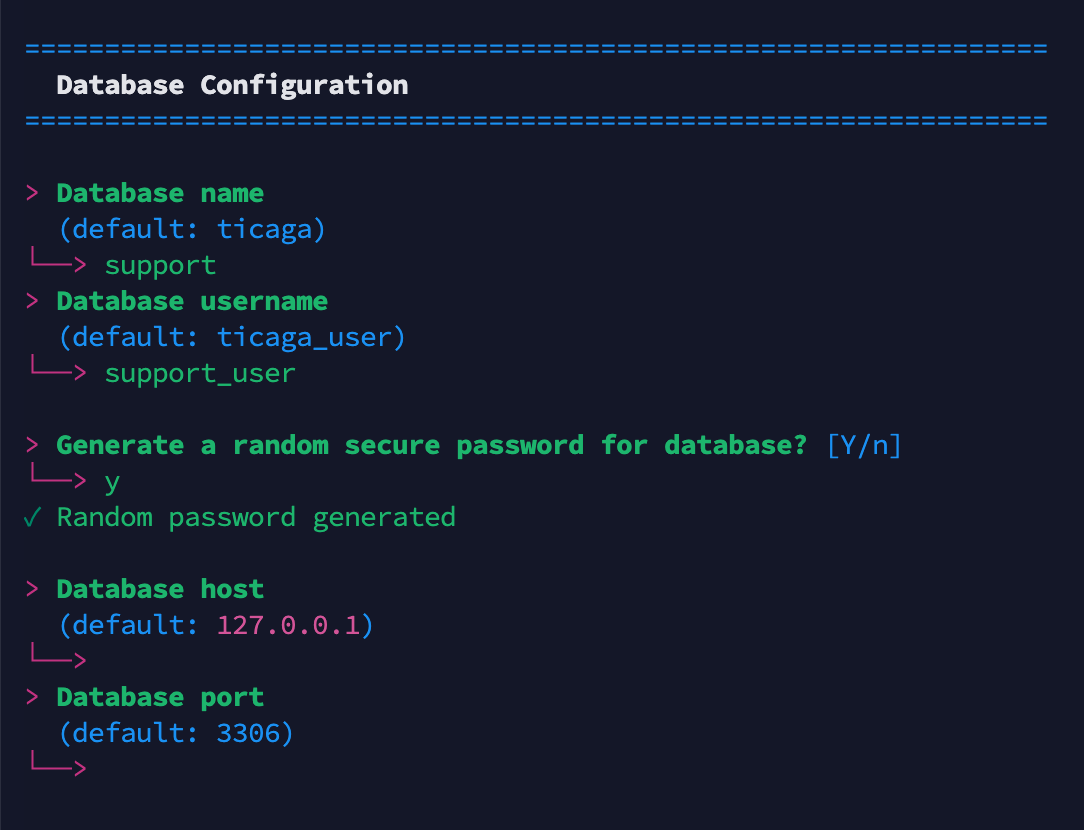
This is where you set-up your database for Ticaga, if you don't want to randomly generate a password you can enter your own.
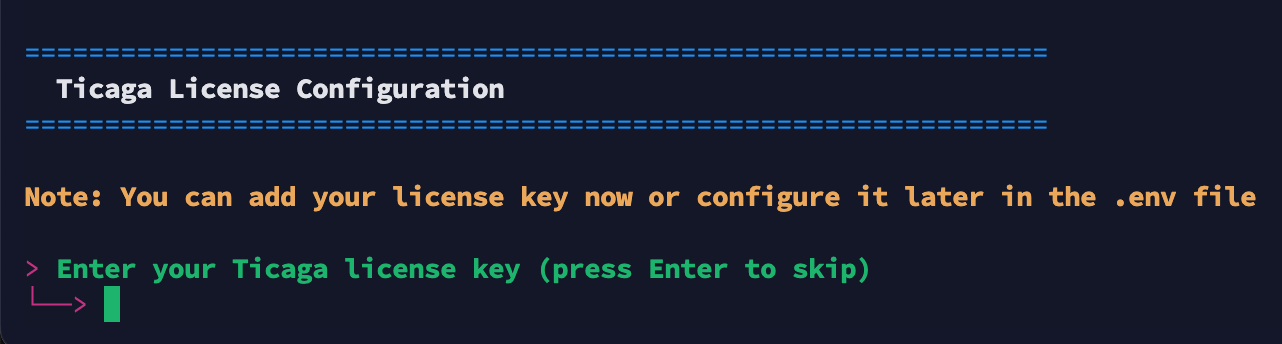
Now you can enter your paid license if you have, you can skip this and get a trial license for 30 days later.

Ticaga needsEnter your email address just for the LetsLet's Encrypt SSL (Youcertificate won'tregistration. get
This emailsis fromrequired them).for certificate issuance and renewal notifications only.
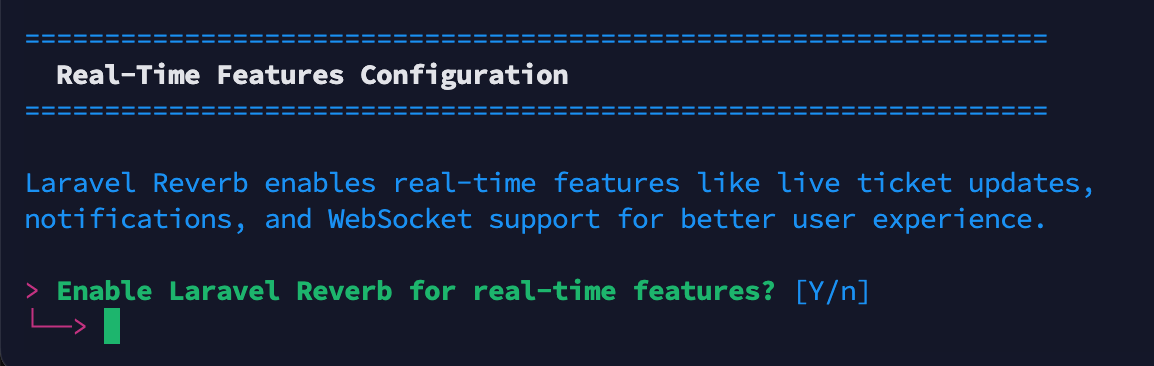
We recommend enabling Reverb tofor getoptimal thefunctionality. bestWithout out of Ticaga. You don't need it but you'll loseReverb, the following features:
features will be unavailable:
- Viewing Tickets (Employee's and customers) but visible to just Employees.
- Collision Detection to see if someone is replying to the ticket already.
- Live chat (Paid Extension).
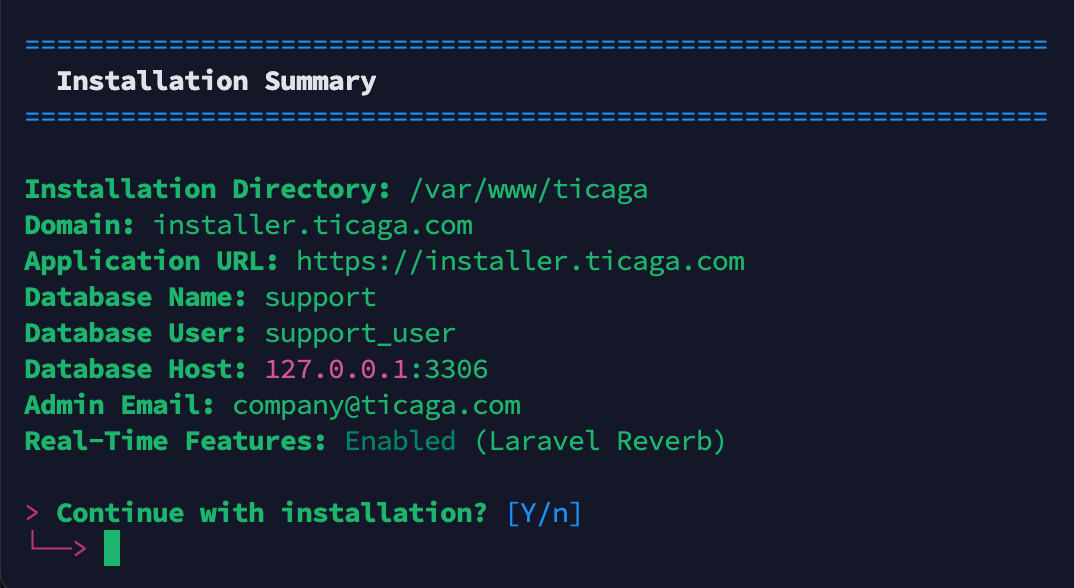
ThisReview the installation summary meansto youverify canyour doubleconfiguration. checkEnter everything"Y" beforeto you continueproceed with the installation. When you're happy enter "Y".
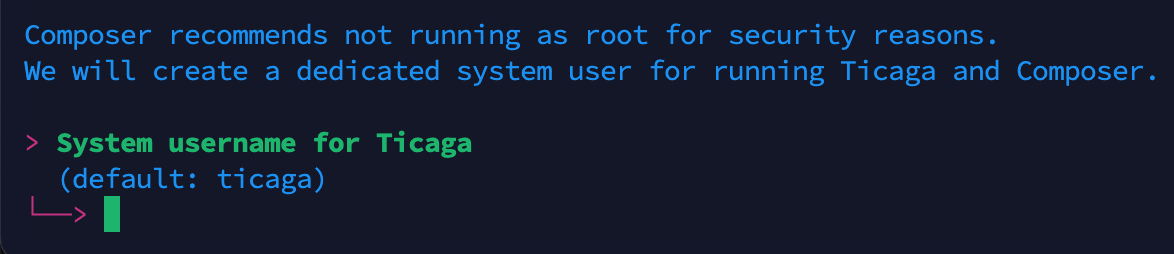
NextCreate createa yourdedicated separatenon-root user account (non-root) this is for security purposes. CreateSet thea secure password and continue.
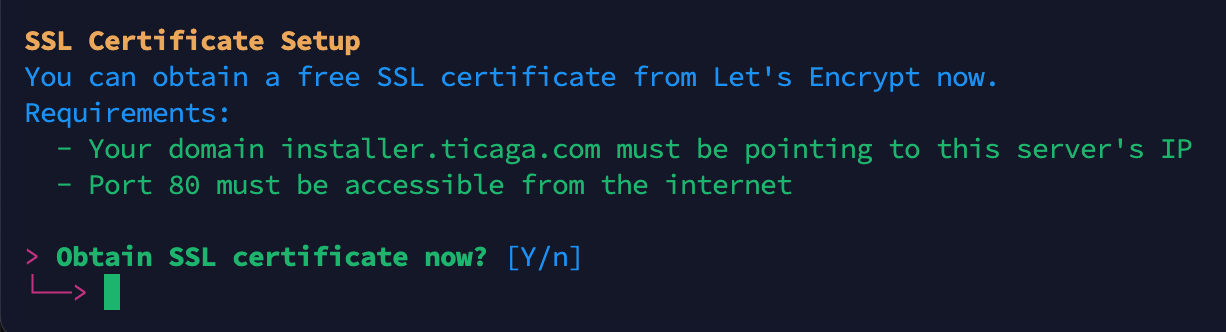
If you'veyou selected HTTPS://HTTPS abovein you'llthe getprevious toldstep, you can getnow theobtain your SSL nowcertificate justby enterentering "Y".
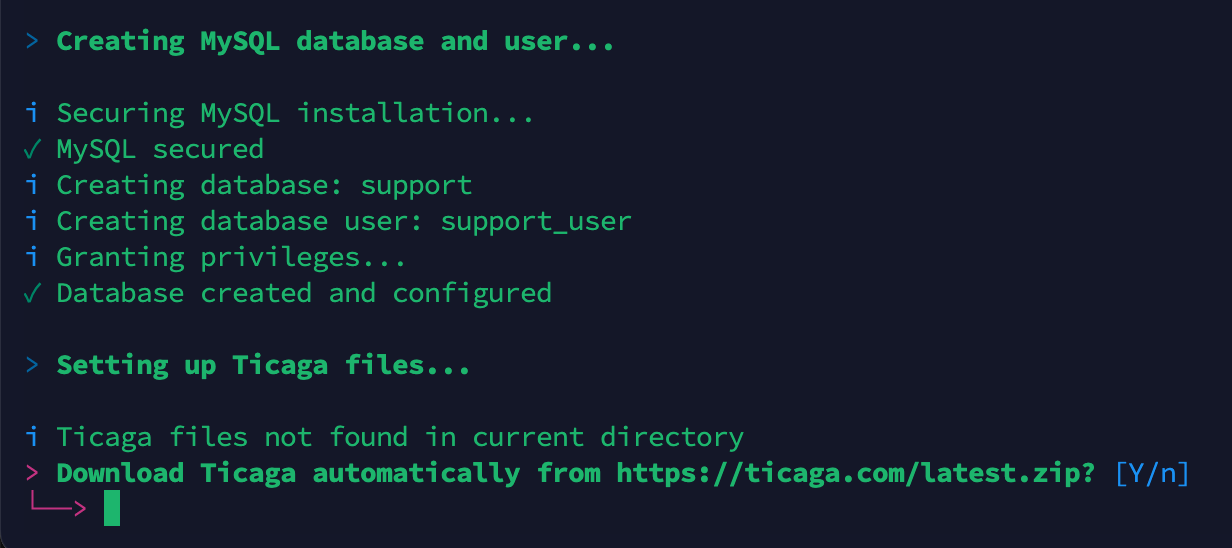
TimeEnter "Y" to download Ticaga,Ticaga. just enter "Y" and theThe installer will downloadautomatically thedownload, filesconfigure, and getset itup all configuredrequired and set-up.files.
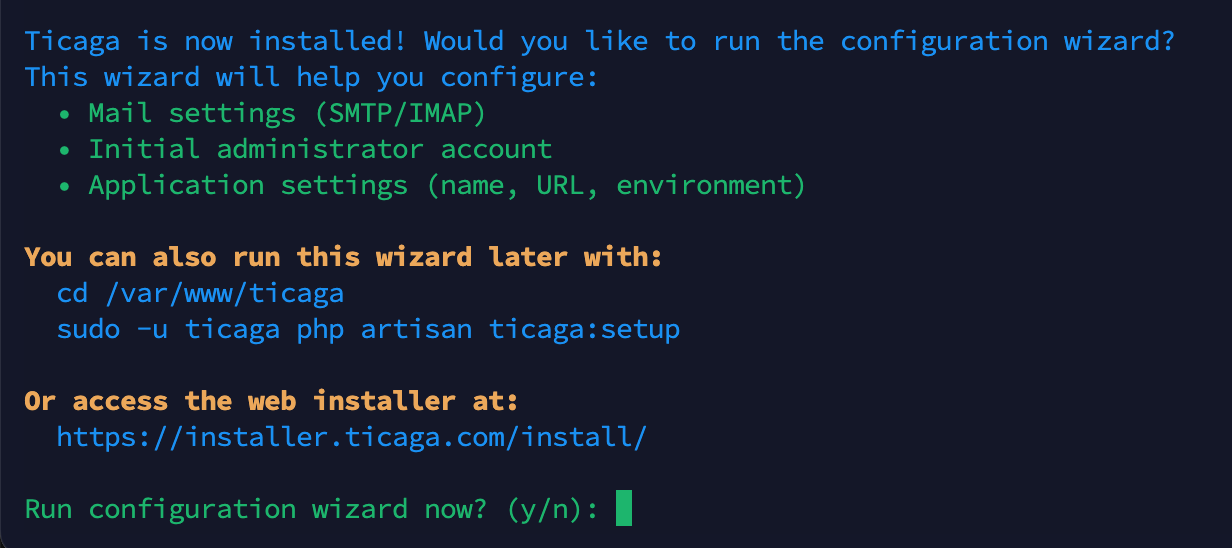
When you get to this bit, if you select "Y" You will move to the CLI section, if you select "n" you can pick either the GUI or CLI.
All your database details are in /var/www/ticaga/installation_completed_info.txt Please remove this when Ticaga is installed. It's not accessible from the public but it's best practices to remove it.
CLI
cd /var/www/ticaga
sudo -u ticaga php artisan ticaga:setup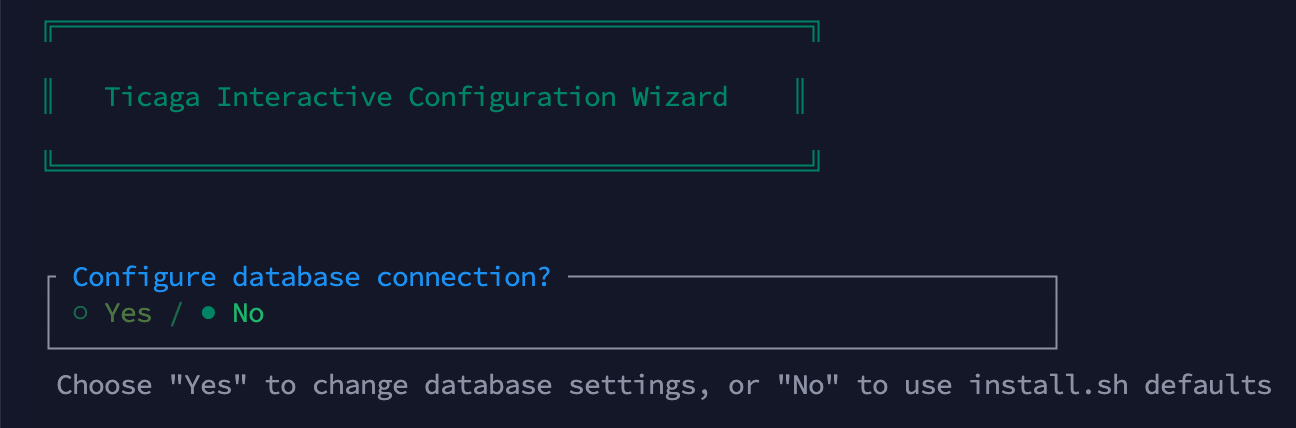
If you don't need to change your database details you can select no.

IfConfigure you want to set up youroutgoing email forsettings outgoingif emails, you can set it here,required, otherwise select no."no".ItNote: fillsThis inconfigures the .env mail settings and notis linkedseparate tofrom the Mail Servers configuration in SettingsSettings, which is used for tickets.ticket management.

If you don'tskip createthis anstep, superadminyou accountwill here you'll haveneed to register thenan addaccount yourand manually assign the superadmin role manually.afterward.

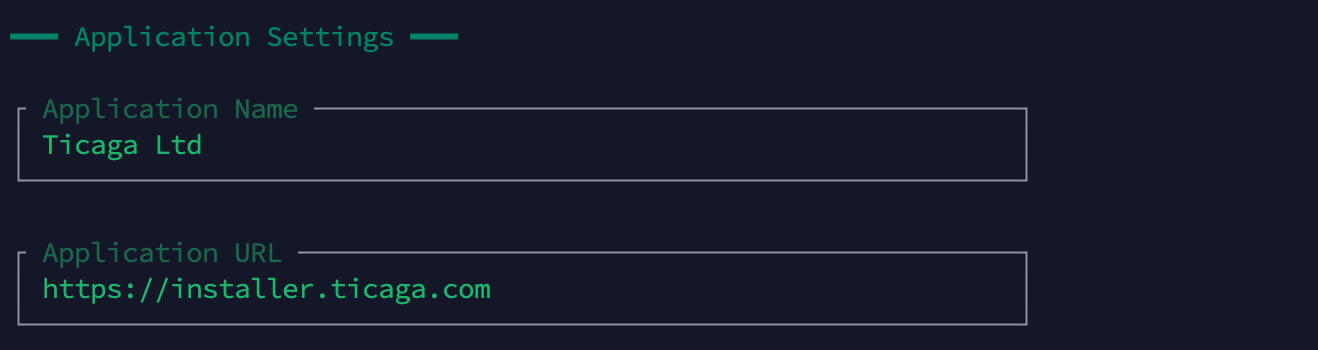
This allows you to change the Company name, url and debug mode.

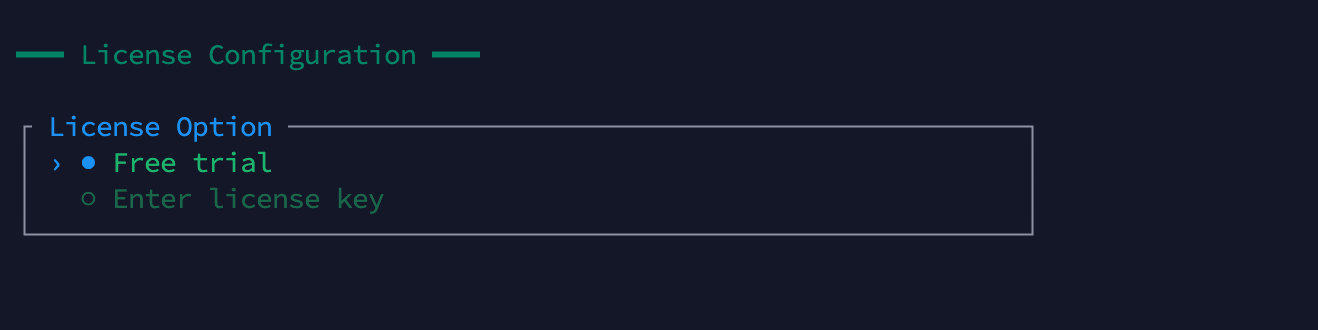
You'll need to go intoAccess the license management section to receiveactivate a trial,trial elselicense, you canor contact our sales team to obtain a license key.

GUI
https://support.yourdomain.com/install/
https://helpdesk.yourdomain.com/install/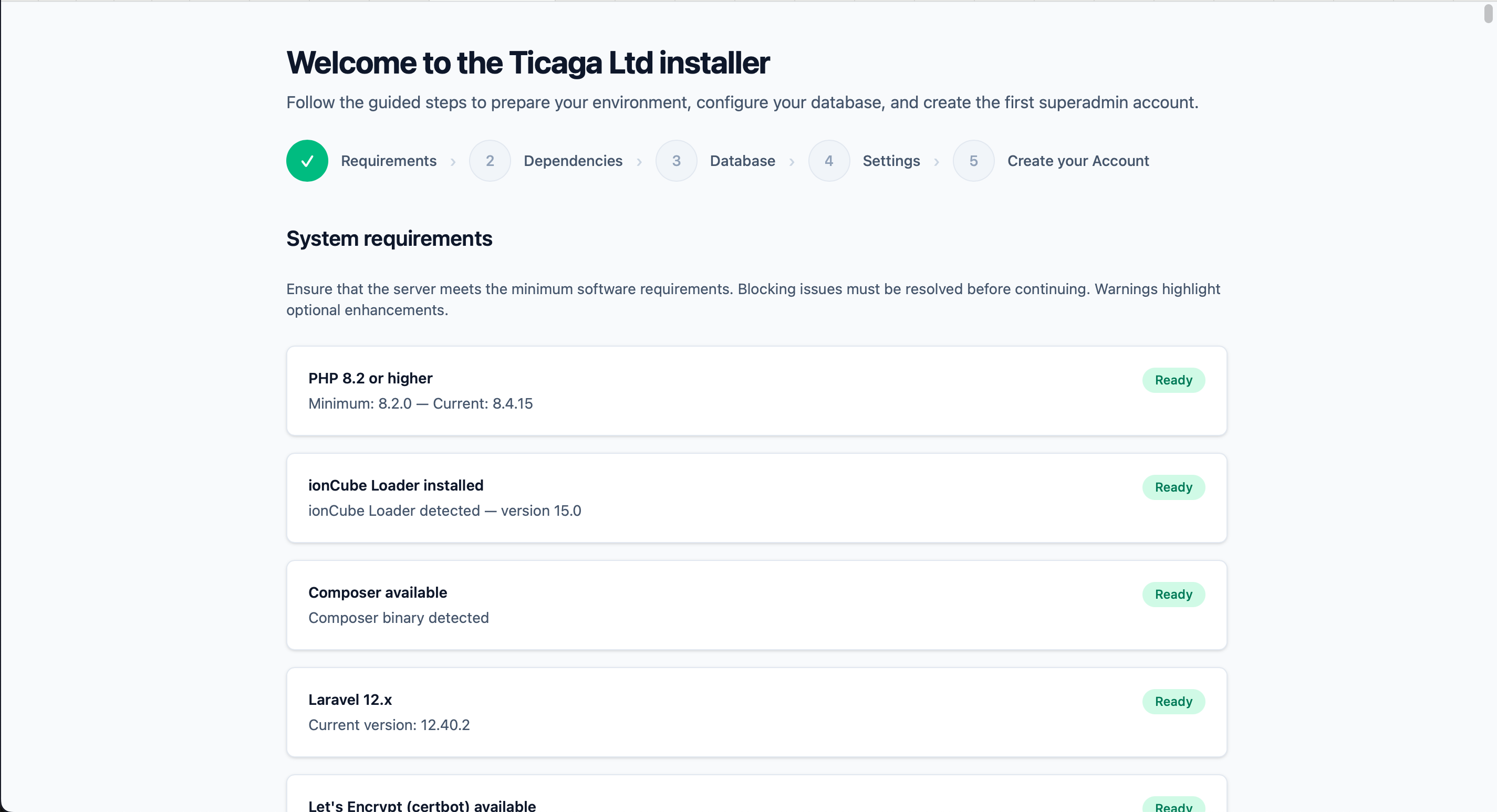
When you've met all the requirements (If you've ran the installer code above this will be all ready).
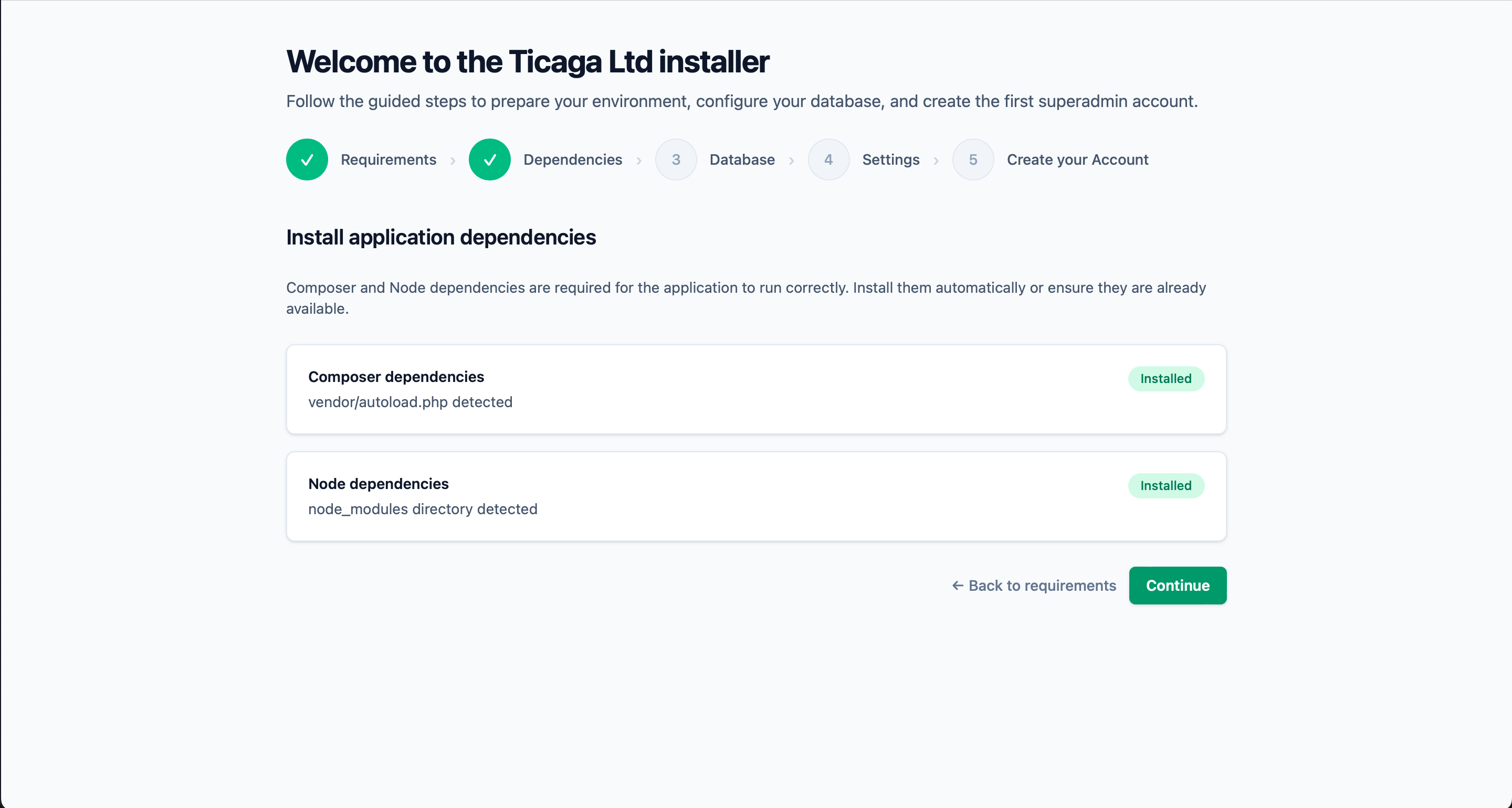
We need the dependencies installed, if there's not there's a button to install them.
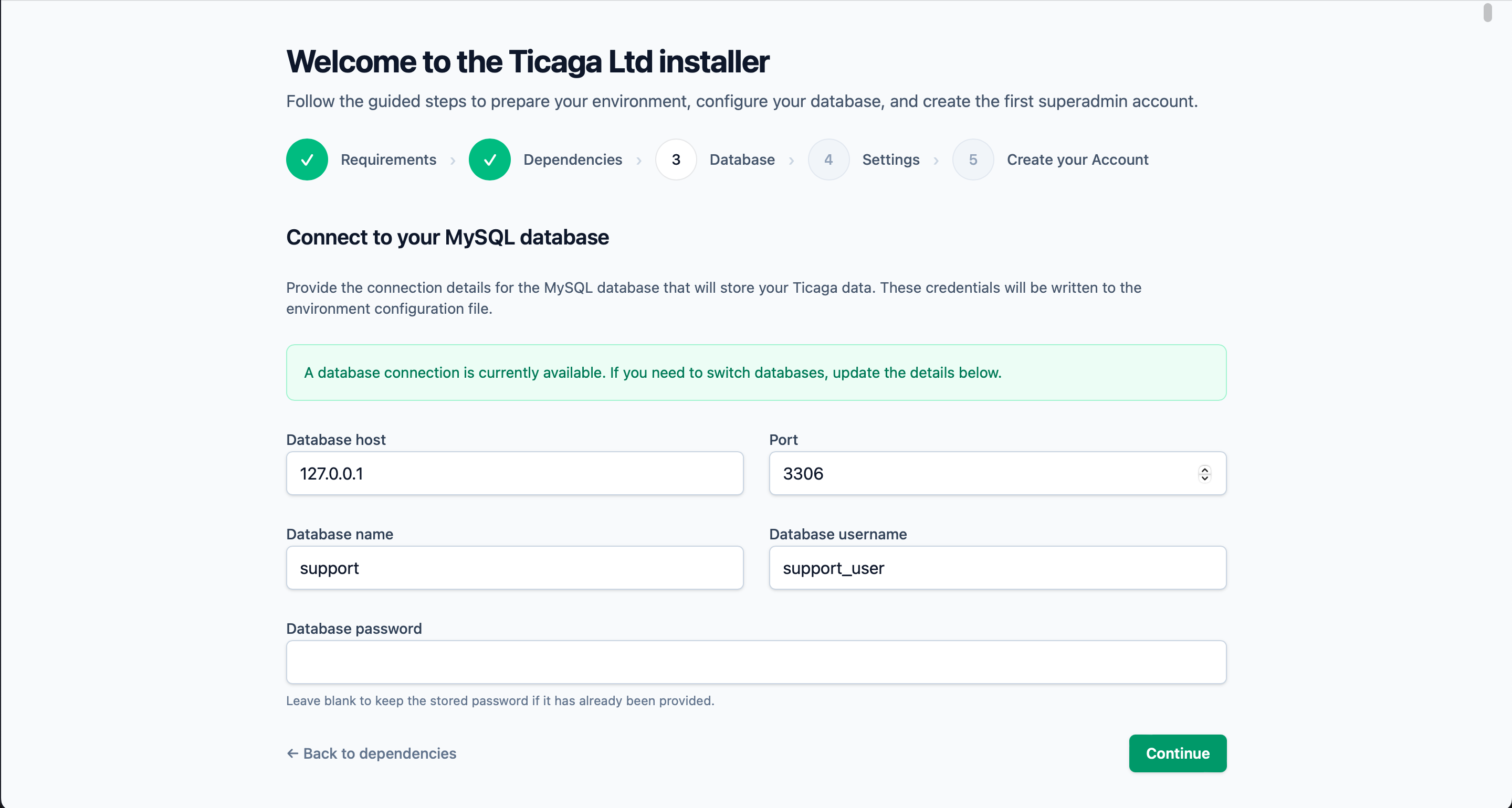
Connect to your database next, if you've used the installer above, just click on continue.
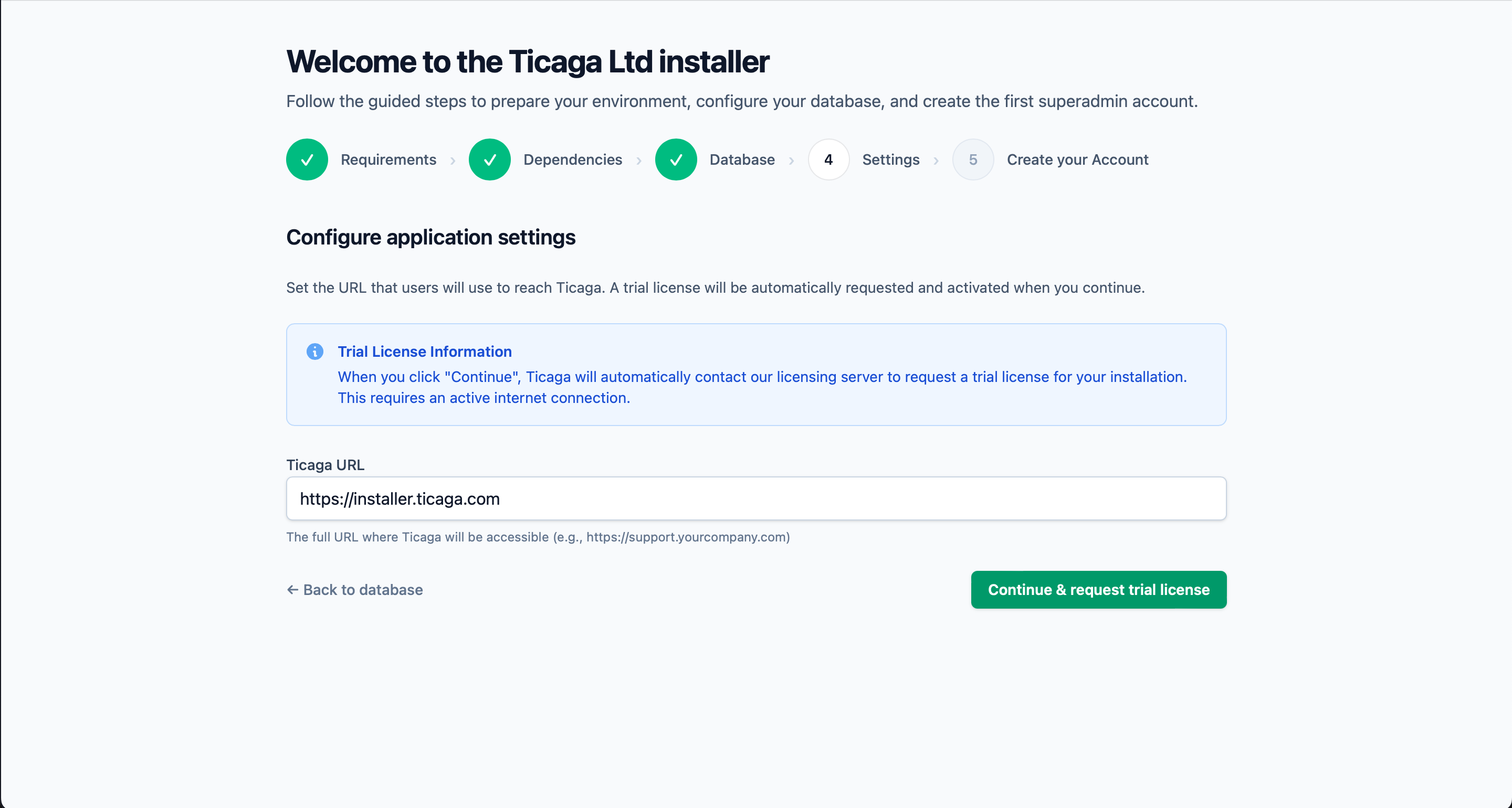
Grab a free 30 day trial automatically.
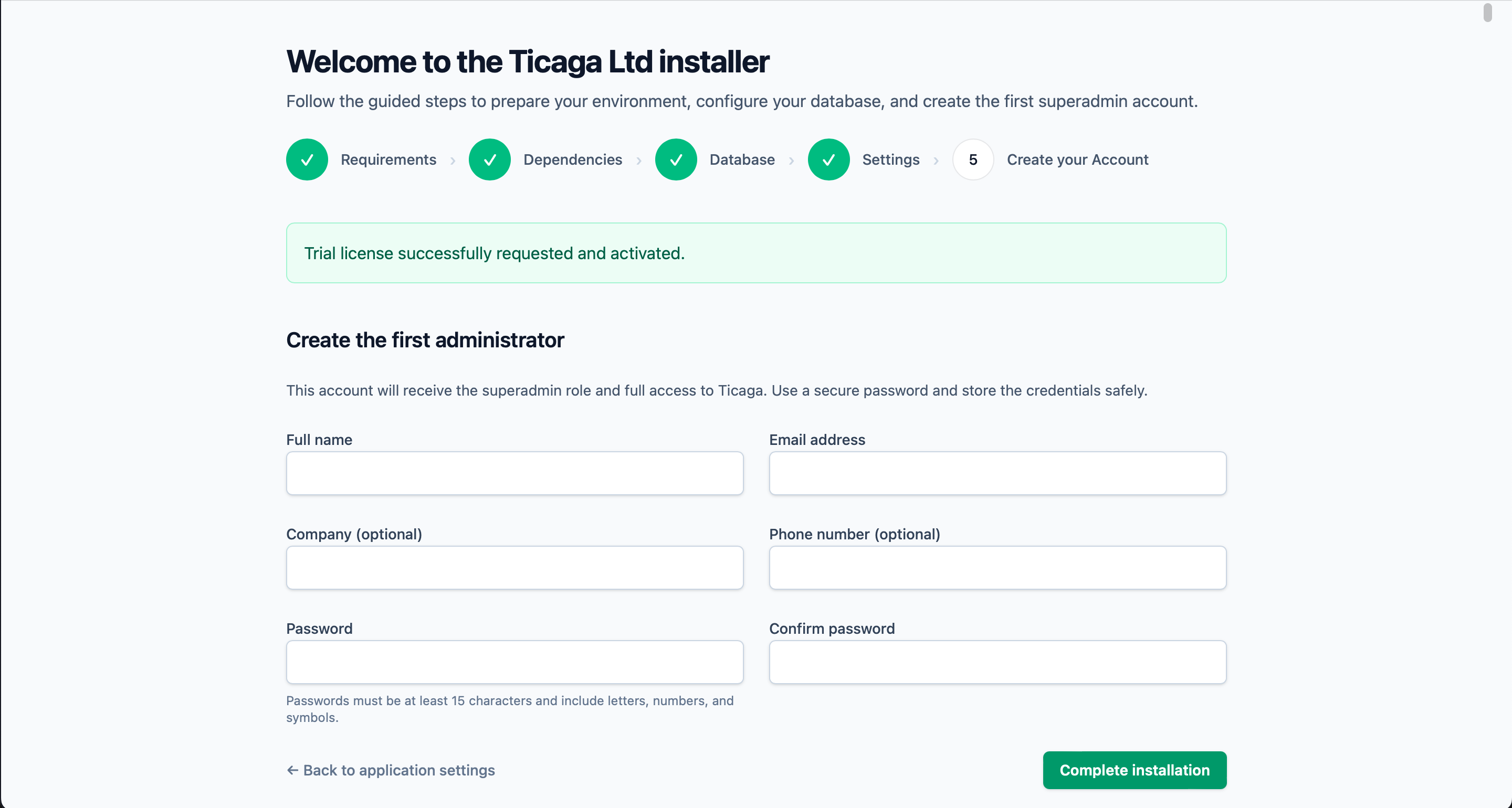
Next create your first Super Admin account, you'll will be able to log in next.